
AI On-Model Clothing Photography for Fashion Ecommerce
AI on-model clothing photography — fit context without model bookings.
Upload a garment photo. Choose a model. Generate consistent ecommerce poses that show how clothing fits on body — for PDPs, catalogs and campaigns.
No credit card • 3 poses per generation
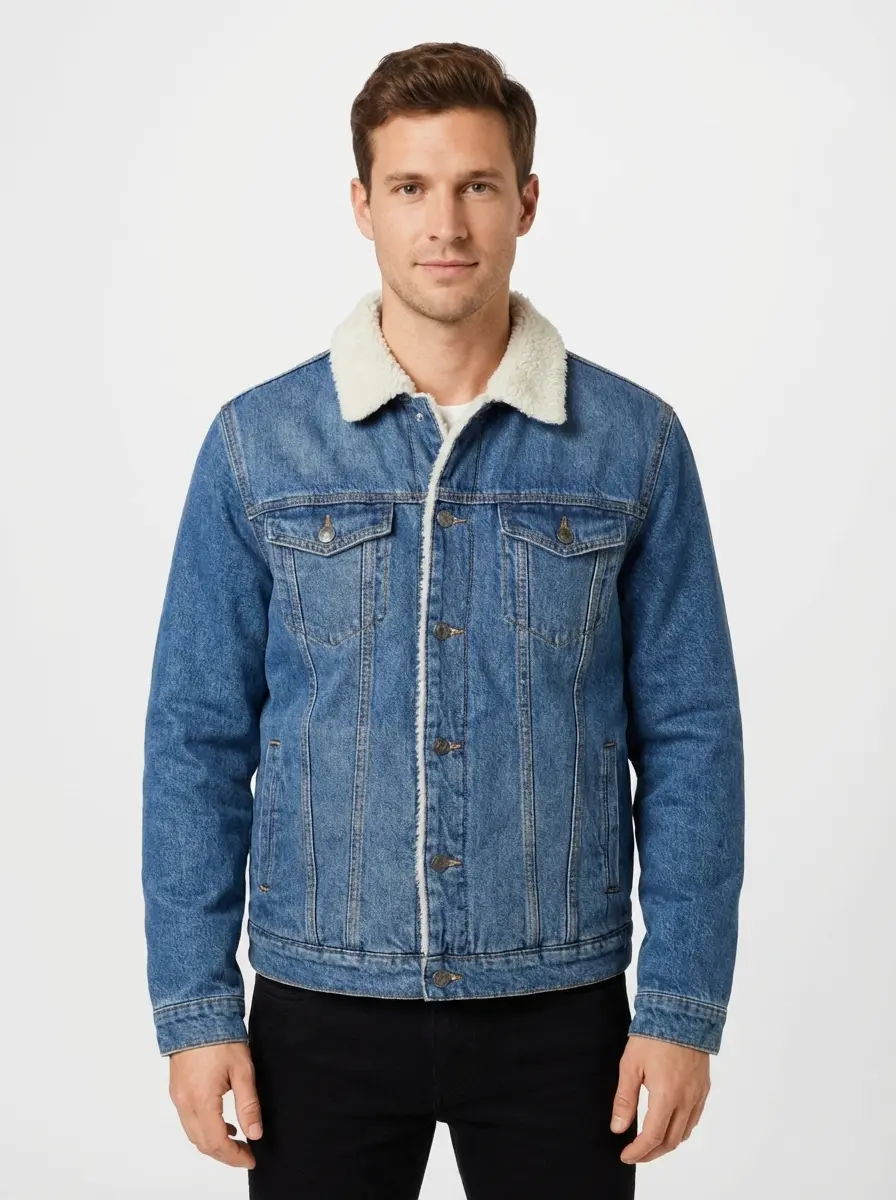
Short answer: Photostudio creates AI on-model clothing photography from one garment image: photorealistic models, catalog poses and fabric rendering so shoppers see fit without a studio shoot.
What It Does
Upload a garment photo. Choose a model. Generate consistent ecommerce poses that show how clothing fits on body — for PDPs, catalogs and campaigns.
- ✓Built for AI on-model clothing photography — not generic background edits
- ✓3 professional poses per generation (front, side, back)
- ✓Choose model type with realistic body proportions
- ✓Consistent catalog poses for ecommerce product pages
- ✓Photorealistic fabric rendering that shows texture and drape
Real Examples
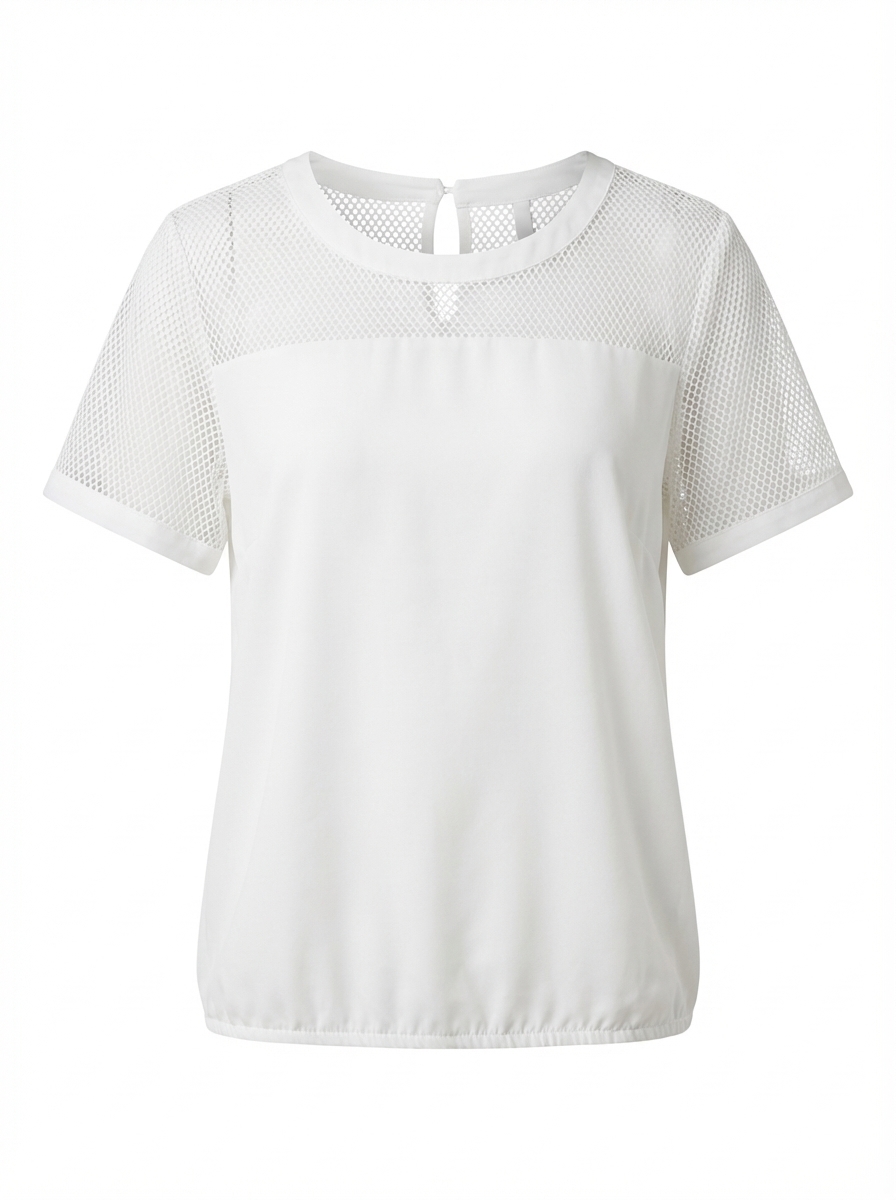
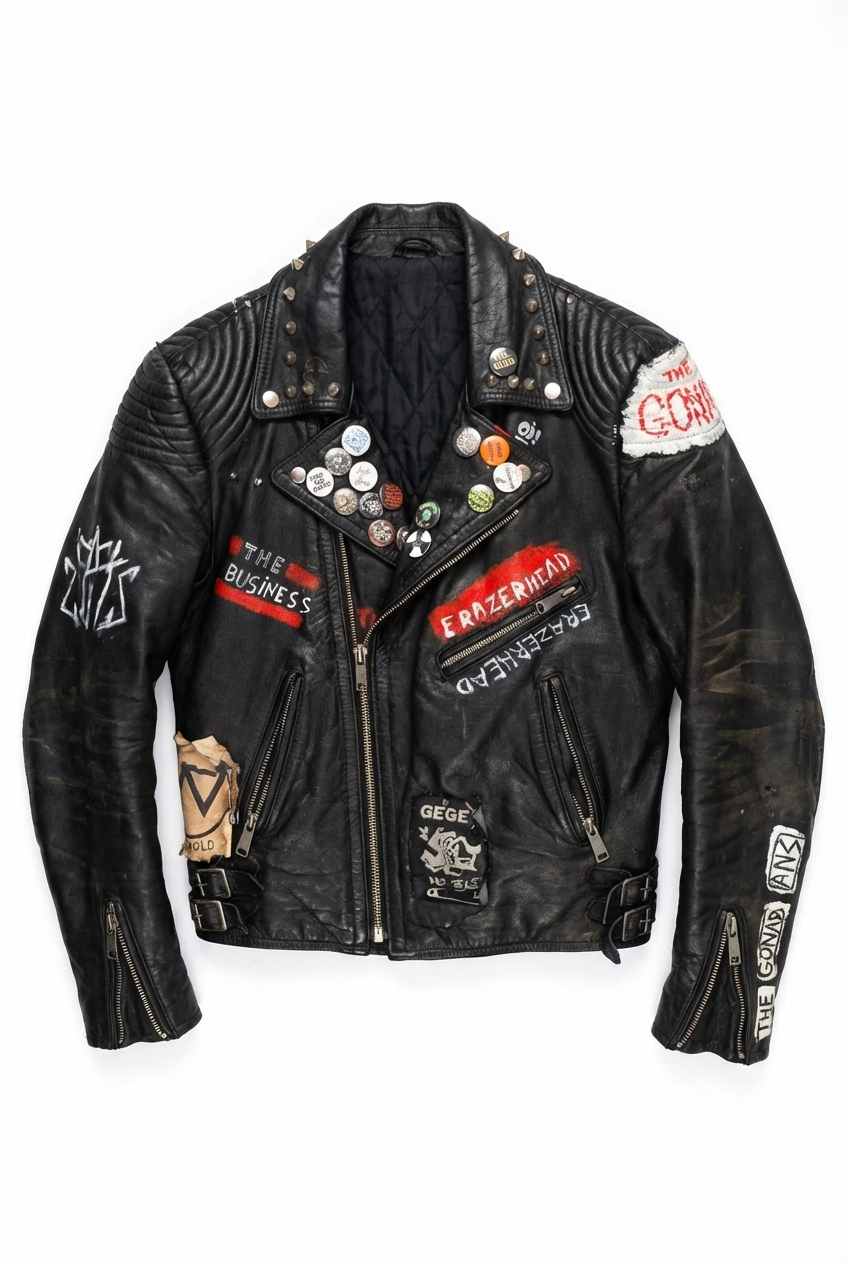
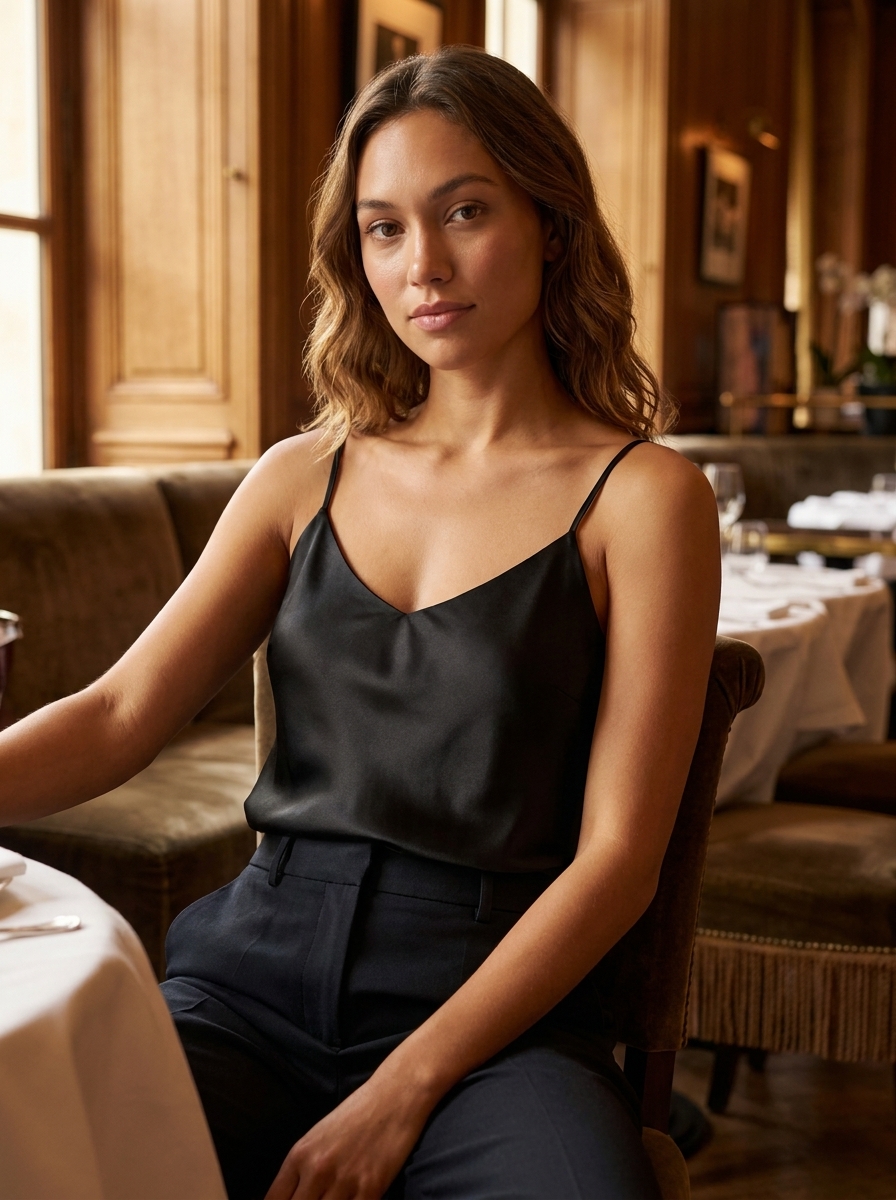
See what you'll get from any garment type
Perfect For
When you need clothing on a model for ecommerce — without casting or studio days.
Product pages showing fit
Help customers visualize how garments actually look worn
Size guide visuals
Show fit across different body types and poses
Social media content
Create engaging content for Instagram, TikTok, and Pinterest
Ads showing lifestyle appeal
Drive conversions with aspirational model photography
From garment photo to AI on-model clothing photography
Three simple steps to professional results
⏱️ Typically a few minutes per garment, depending on queue and settings
Upload
Any garment photo — ghost mannequin, flatlay, or product shot
Choose Model
Select model type (female/male) and one of 8 scene backgrounds
Download
Get 3 poses (front, side, back) showing fit, movement, and style
Also explore
What is AI on-model clothing photography?
AI on-model clothing photography generates a new photograph of a model wearing your garment — with fabric drape, proportion and catalog poses. It is different from virtual try-on (which overlays clothes onto an existing person photo) and from ghost mannequin (which shows hollow product form without a body). Use on-model shots as secondary PDP images and campaign creatives alongside ghost mannequin primaries.
What this format communicates
Fit and proportion — how the garment sits on a body across catalog poses.
PDP role: Typically secondary or campaign imagery after a structured primary (ghost) — fit context for conversion.
Best for
- ·PDP galleries that answer “how does it look worn?”
- ·Catalog and campaign poses with consistent models
- ·Fit-sensitive categories: denim, tailored, activewear
When it is not ideal
- ·Ultra-high-volume SKUs where ghost is enough for the main image
- ·Cases where only fabric swatch / overhead detail is needed
- ·Replacing dedicated size-inclusive try-on when that is the product goal
Input requirements
- ·Clear garment photo with true color and silhouette
- ·Model selection that matches your catalog casting
- ·Pose set aligned to your PDP standards (front / side / back)
Limitations & QC
- ·Model consistency must be QC’d across a full assortment
- ·Not a substitute for size-chart measurements
- ·Complex prints and logos need review on the body
- ✓Proportions and hem length look believable
- ✓Fabric drape matches garment weight
- ✓Pose set is catalog-consistent
- ✓No obvious garment distortion at stress points
Same garment, three commercial roles
One denim source — ghost for structure, flat lay for shape and material, on-model for fit. Compare image formats.
Frequently Asked Questions
Everything you need to know
AI On-Model Clothing Photography for Fashion Ecommerce
No credit card required • 3 free images
Used by fashion ecommerce teams producing catalog imagery at scale